Download AI images from ChatGPT.
Paste any public ChatGPT share link, scan the conversation, preview every generated image, and batch-download the ones you want. No login, no API key — just paste and save.
Scan, preview, download
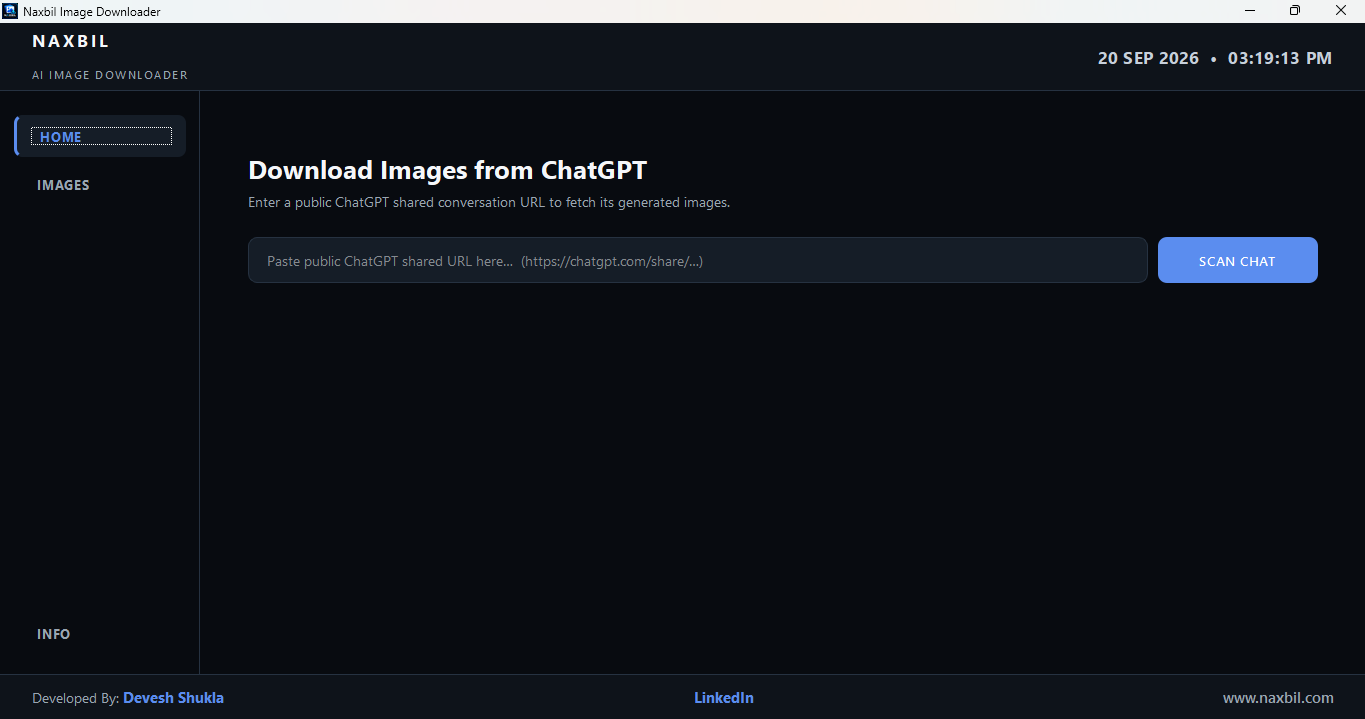
Three steps — paste a link, pick the images you want, and save them all at once.
Paste a link, find every image
Drop any public ChatGPT share link on the Home tab and click SCAN CHAT. The app scrolls through the entire conversation and detects every AI-generated image automatically.
- Works with any chatgpt.com/share/… link
- Auto-scrolls to load all images
- No ChatGPT login or API key needed
Pick exactly what you want
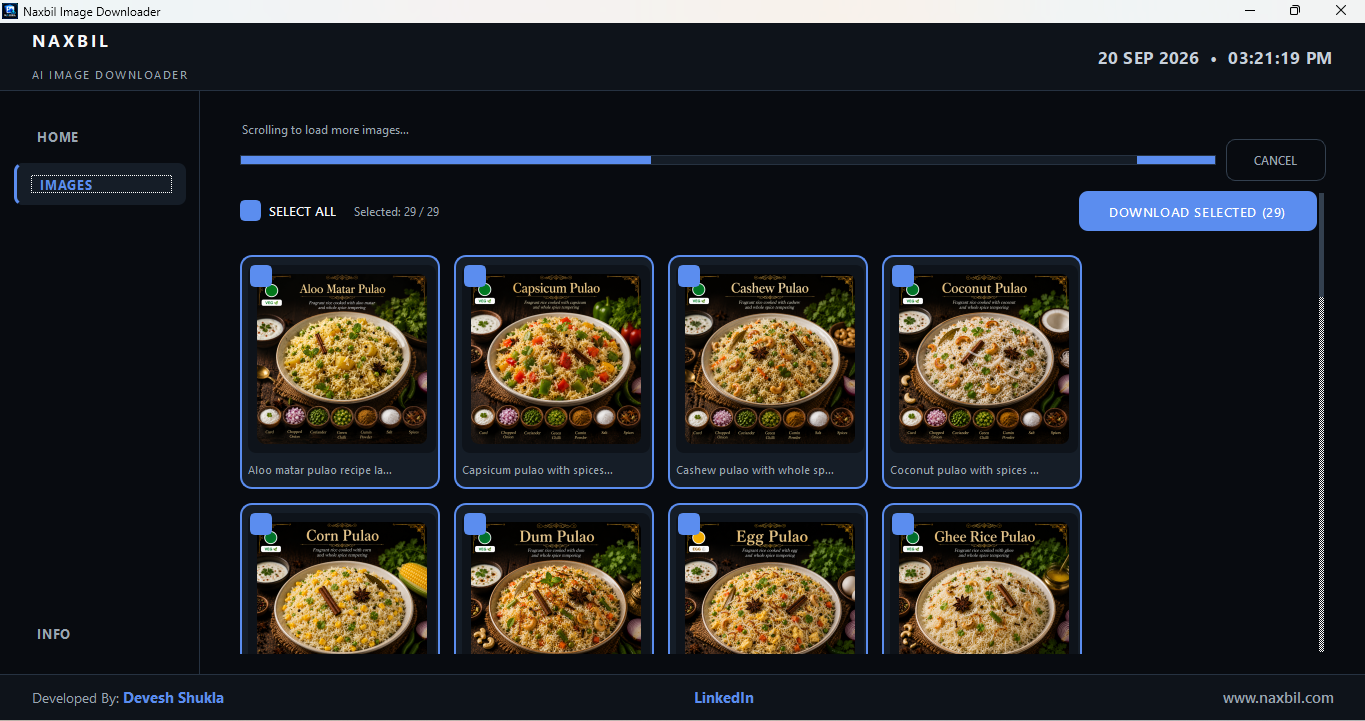
Every found image appears in a grid with a preview and prompt snippet. Use SELECT ALL or tick individual images — the counter updates live so you always know what's queued.
- Visual grid with image previews
- Select All or pick one by one
- Live selected count
Batch download in one click
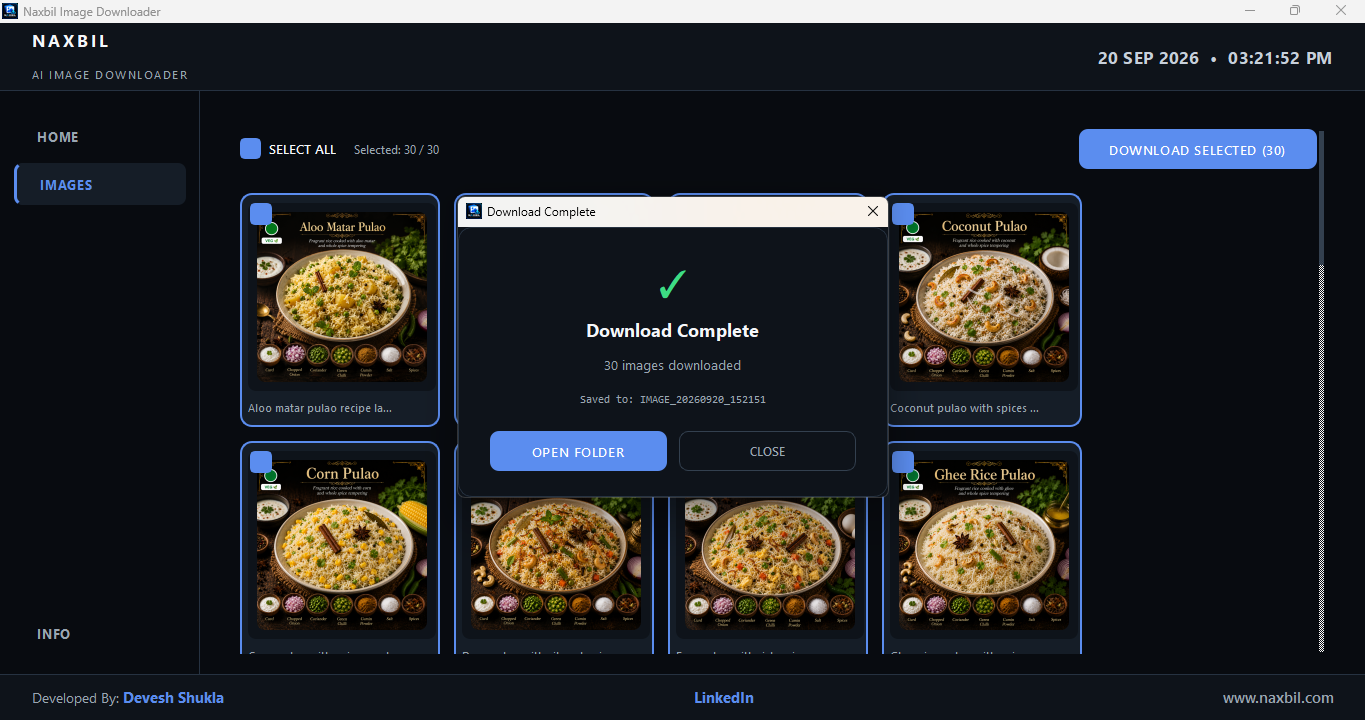
Hit DOWNLOAD SELECTED and every image is saved to a timestamped folder right next to the app. Open the folder straight from the success dialog.
- Saves to IMAGE_yyyymmdd_HHMMSS folder
- One-click Open Folder after download
- No file-picker dialogs to slow you down
How to use it
Download, open, paste a link — done. No installers, no setup, no Python.
Getting a share link
- Open the ChatGPT conversation with the generated images.
- Click the Share button at the top.
- Choose "Create link" (or copy the existing public link).
- You'll get a URL like chatgpt.com/share/…
🖼️ Using the app
- Paste the public share link into the Home tab URL field.
- Click SCAN CHAT — the app switches to Images while it scans.
- Use SELECT ALL, or tick individual images you want.
- Click DOWNLOAD SELECTED — images save to a folder next to the app.
- Click OPEN FOLDER to see your images.
Get it on GitHub
Every release lives on GitHub — always the latest build, versioned and verifiable.
naxbil / Naxbil-Image-Downloader
Releases, README & screenshots · Windows build
Used Image Downloader? Tell us.
Reviews, bugs, feature requests — it all helps shape the next build.
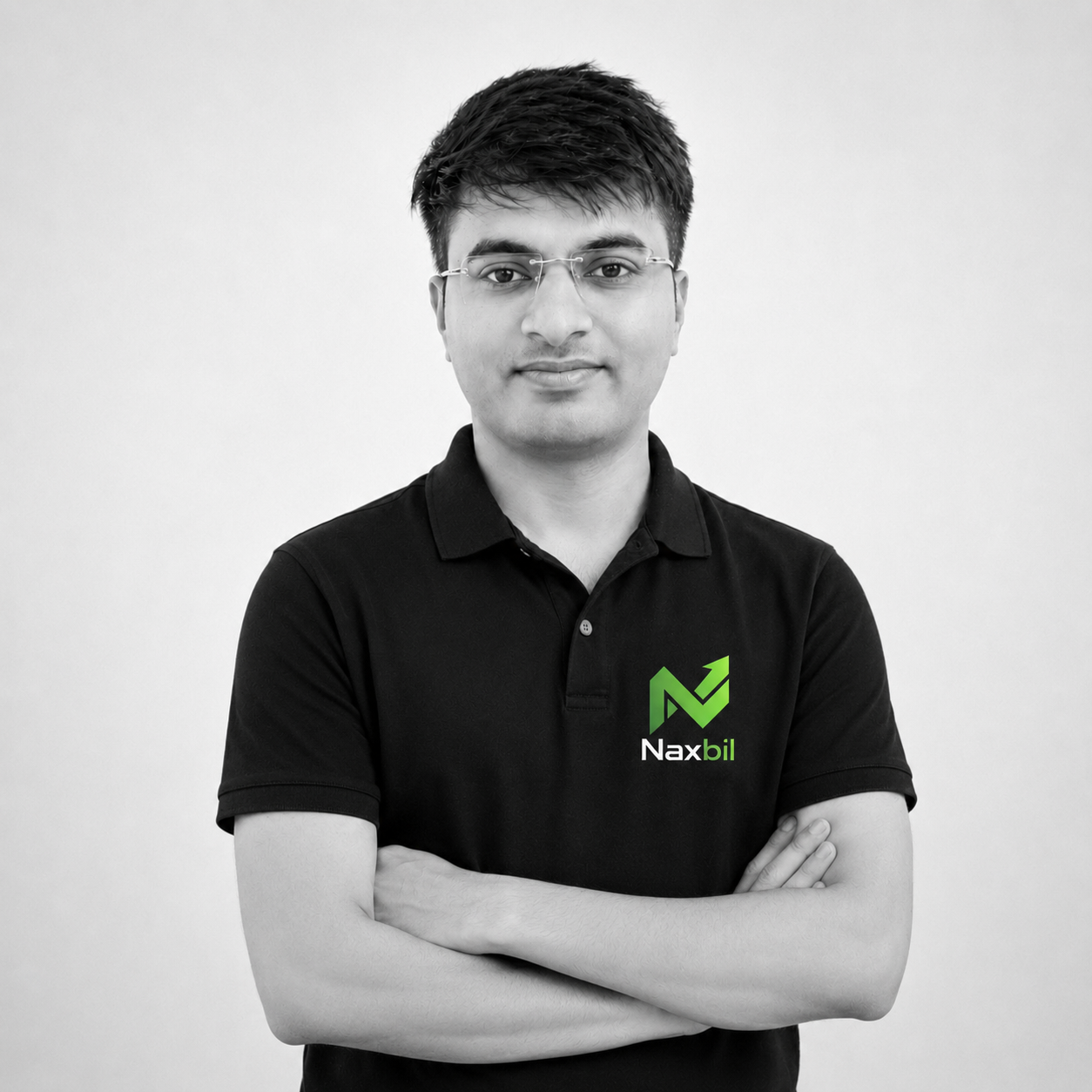
Built & maintained by one engineer
Image Downloader is built by Devesh Shukla — the same person behind Naxbil, YT Studio and MenuCliQ. It's free, made to be genuinely useful, and a quick way to see how Naxbil engineers desktop software. Need something custom? You already know who's behind it.
More free tools from Naxbil
We build and give away handy desktop tools. Pick one below — more are on the way.